
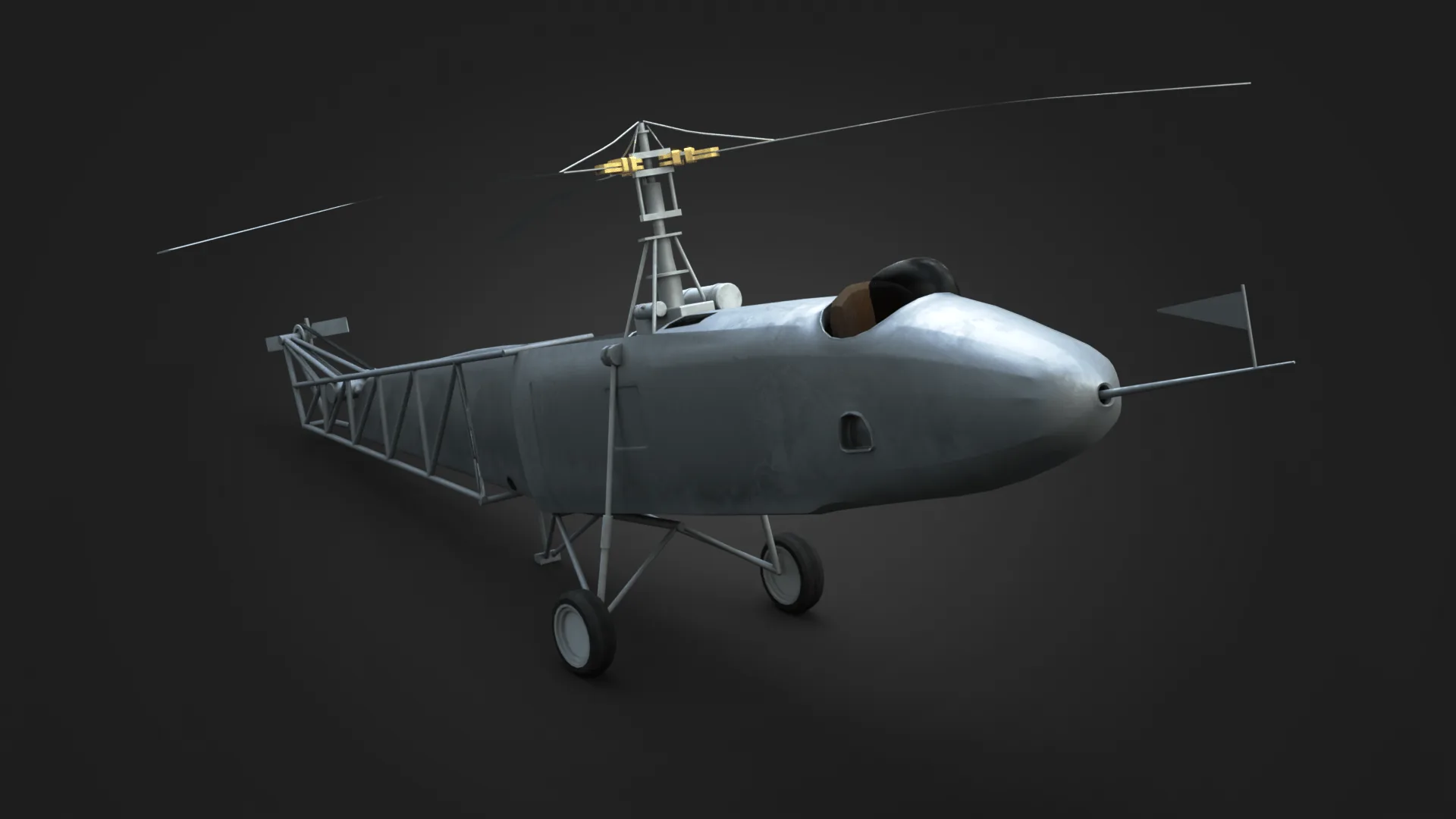
Technical visualization uses accurate 3D models and animation to explain how industrial products, machines and processes work. It turns CAD data into clear visuals for sales, training and documentation, and it can show internal mechanisms, assembly steps and operating conditions that photography cannot.
If you do it yourself, our Null Labs tool Blenspy matches a Blender camera to a photo’s perspective.
In the dynamic landscape of manufacturing and industry, industrial modeling emerges as a powerful force, revolutionizing how we optimize operations. Let’s delve into the latest trends that are unlocking efficiency and reshaping the way we make things.
What Is Industrial Modeling?
At its core, industrial modeling involves creating virtual replicas of real-world systems, processes, or products. These digital twins bridge the gap between the physical and digital realms, allowing us to monitor, simulate, and optimize industrial phenomena. Here’s what’s on the horizon:
- Digital Twins:
- The adoption of digital twins, virtual replicas of physical manufacturing systems, will skyrocket.
- These digital simulations enable real-time monitoring and optimization, enhancing efficiency and reducing downtime.
- Beyond real-time monitoring, digital twins also support advanced scenario planning and troubleshooting, enabling manufacturers to simulate and predict the impacts of various operational changes and external factors on their systems.
- Reshoring:
- With a focus on supply chain resilience, manufacturers are increasingly bringing production back to their home countries.
- Reshoring efforts aim to reduce dependency on foreign suppliers and mitigate supply chain disruptions.
- This trend will not only focus on reducing dependencies but also aim at creating more localized, responsive, and sustainable manufacturing ecosystems. It will foster innovation and quality improvement in local industries.
- Reskilling Workforce:
- To keep up with technological advancements, manufacturers will invest in reskilling their workforce.
- Training programs will focus on digital skills, automation, and data analysis.
- Reskilling initiatives will likely blend traditional manufacturing knowledge with digital expertise, creating a more agile and adaptable workforce capable of handling advanced manufacturing technologies.
- Carbon Neutrality:
- Environmental sustainability is a top priority.
- Manufacturers will accelerate efforts to achieve carbon neutrality by implementing green manufacturing processes and reducing emissions.
- A holistic approach to sustainability, considering the entire lifecycle of products, will be crucial.
- Industrial Automation:
- Automation will continue to expand across manufacturing processes, with robots and cobots boosting productivity and accuracy.
- Advanced automation will incorporate AI for more intelligent decision-making processes, enabling more autonomous and self-regulating manufacturing systems.
- Additive Manufacturing:
- 3D printing and additive manufacturing will become even more integral to the production process.
- Rapid prototyping, customization, and reduced waste are some benefits.
- Handling a broader range of materials, including advanced composites and biodegradable materials, will open new possibilities for sustainable manufacturing and complex product designs.
- Artificial Intelligence (AI):
- AI-driven analytics will optimize production lines, predict maintenance needs, and improve quality control.
- AI becomes a key enabler of efficiency, driving innovation in manufacturing.
In conclusion, industrial modeling is not just a concept—it’s becoming a reality that transforms how we create, innovate, and thrive in the manufacturing world. 🌐🏭
What is technical visualization?
Technical visualization is 3D imagery and animation built from engineering data to explain how a product, machine or process works. The goal is clarity, not decoration: every part sits where it really sits, moves the way it really moves, and the viewer understands the function in seconds instead of reading a manual.
It is used when photos or live video cannot show what matters. A camera cannot see inside a sealed gearbox, film a product that has not been manufactured yet, or slow a process down and peel layers away. A 3D scene can do all three.
Technical visualization vs. industrial modeling and digital twins
- Technical visualization communicates. It produces films, stills and interactive views for people: buyers, trainees, investors, service teams.
- Industrial modeling and simulation analyze. They calculate stress, flow or throughput so engineers can make decisions.
- A digital twin is a live model connected to data from the real system, used to monitor and predict its behaviour.
The three often start from the same CAD data, and a visualization can reuse results from a simulation, but the deliverable is different: technical visualization is made to be watched and understood.
What technical visualization is used for
- Sales and trade shows: showing how a machine works and why it is built the way it is, on a screen at the stand or in a pitch.
- Training and onboarding: step-by-step operating, maintenance and safety sequences that people can replay.
- Documentation and support: assembly and service steps that are clearer than line drawings.
- Pre-launch marketing: visuals of a product before the first unit exists, built from the same model that goes to manufacturing.
- Investor and stakeholder updates: making a complex system understandable to people who will not read the specification.
How a technical visualization is made
- Define the message. Decide what the viewer must understand by the end: a working principle, an assembly order, a benefit over the old design.
- Review the data. CAD files, drawings and references are checked for what is needed and what can be simplified.
- Prepare the models. Engineering CAD is converted to render-ready meshes, cleaned up and simplified where detail will never be seen (see our retopology guide).
- Storyboard the sequence. Camera angles, cutaways, transparency, exploded views and on-screen labels are planned shot by shot.
- Materials, lighting and animation. Parts get accurate finishes, mechanisms are animated to real movement, and the lighting is set so the important part always reads first.
- Technical review. Engineers check previews for accuracy before final rendering, because a wrong rotation or part order undermines the whole piece.
- Render and deliver. Final video, stills, and if needed a real-time version for touchscreens or headsets (see from 3D content to an interactive simulation).
What to prepare before you start
- CAD or 3D files for the parts that will be shown, plus drawings for anything not modelled.
- A short description of how the product works, in the words your engineers would use.
- The audience and where the visual will play: website, trade-show screen, training portal, sales deck.
- Brand guidelines, colours and finishes, and anything that must not be shown.
For the full service, see 3D product animation and 3D modeling, or send us your brief.
Related: 3D visualization and films · Tractor simulator rig · From 3D content to an interactive simulation
05 / Questions
Ask us anythingBefore you
get in touch.
It depends on scope: the number of assets or shots, the level of detail and the delivery formats. We send a quote after reviewing your brief and bill in USD by milestone.
It depends on scope; we confirm a schedule after the brief. Larger or more detailed projects are split into milestones so you can review progress along the way.
Visualizations are usually delivered as MP4 or ProRes video and PNG or TIFF stills, with interactive versions as engine builds on request. We confirm the exact formats and specs in the brief so the files fit your pipeline.
You share the technical data, drawings or CAD and the message to explain. We plan the sequence, build accurate 3D scenes, share previews for review, and deliver after your approval.
Clients officially own the final files once payment clears. Null Station keeps the right to show the work in its portfolio.
Industrial 3D visualization uses accurate 3D models of machines, plants and products to show how they look and work, for sales, training or planning. It is built from engineering data, so it can show internal parts, production steps and equipment that does not exist yet.
Yes. CAD files are the usual starting point. Engineering models are converted to render-ready meshes and simplified where detail will not be seen, which keeps the scene accurate without slowing the work down. We confirm which formats we need after reviewing your files.
Technical visualization explains how something works, for training, documentation or technical sales. Product animation is usually marketing-led and focuses on look, features and benefits. Many projects mix both, using the same 3D model.